What the vietnamese dong symbol looks like and what it means
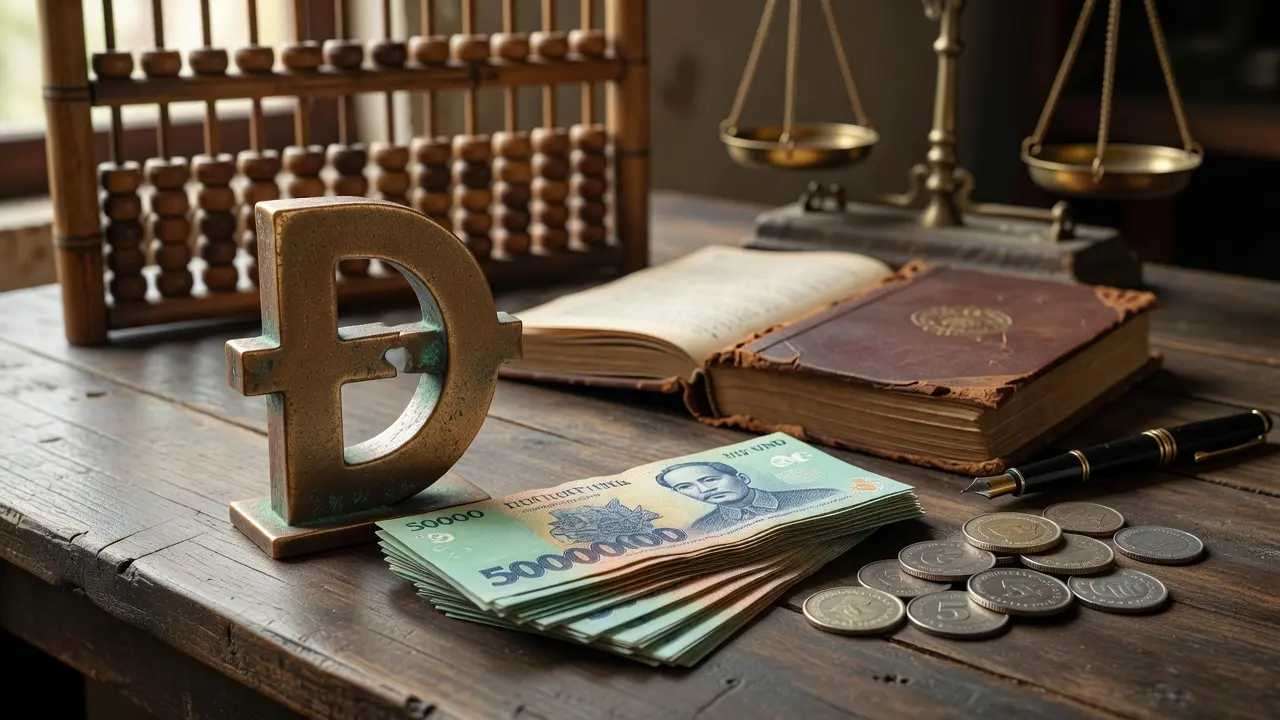
The vietnamese dong symbol ₫ is the Vietnamese letter đ, a d with a short stroke through the stem, with a horizontal line beneath it. The đ stands for đồng, the name of the currency. In some fonts the underline is thick, in others thin, but the meaning is the same.
The vnd currency code and the symbol refer to one currency only: the Vietnamese đồng, issued by the State Bank of Vietnam. One dong was once divided into 10 hào and 100 xu, but these subunits are no longer used, so prices are whole numbers.
Many websites simply write "đ" or "VND" because ₫ is missing from some fonts and keyboards. Our list of Currency Symbols of the World: Full List (with Copy & Paste) shows the signs used by other currencies.
Where the ₫ symbol comes from
The word đồng comes from the Vietnamese word for copper or bronze, recalling the bronze coins once used in Vietnam. The ₫ sign sits in Unicode's currency symbols block at U+20AB, and the currency name dates from 1946, when the first đồng notes were issued in northern Vietnam.
The dong currency has been redenominated several times, most recently on 14 September 1985, when 10 old dong became 1 new dong. The symbol stayed the same throughout. Today's notes run from 100 to 500,000 dong. Live rates are on the vietnamese dong exchange rate page.
How to type ₫ on Windows, Mac, iPhone and Android
To type ₫, use the Unicode shortcut in Word on Windows (type 20AB then press Alt+X), the Character Viewer on a Mac (Control+Command+Space, search "dong"), or a Vietnamese keyboard on a phone. You can also copy it from here: ₫.
| Device or format | How to type ₫ |
|---|---|
| Windows (Word, WordPad) | Type 20AB, then press Alt+X |
| Windows (any app) | Press Windows key + period, open Symbols, find ₫ |
| Mac | Control+Command+Space, search "dong" |
| iPhone and Android | Add a Vietnamese keyboard and look in the symbols or currency keys; or copy and paste |
| HTML | ₫ or ₫ |
| Unicode | U+20AB |
If ₫ shows up as an empty box on a website or receipt, the font in use does not include the character. Switch to a font that covers Vietnamese, such as Arial, Times New Roman or Roboto, or replace the sign with "đ" or "VND" so every reader sees the amount correctly.
Typing the letter đ is easier than typing ₫. With the Telex input method used by most Vietnamese typists, pressing "dd" gives đ; with VNI, "d9" gives đ. More shortcuts for other signs are in our guide on how to type currency symbols.
Where to put the dong symbol: before or after the amount
In Vietnamese usage, the ₫ symbol goes after the amount, separated by a space: 25.000 ₫. Vietnamese also uses a full stop as the thousands separator and a comma for decimals, the opposite of English. In English text you may see either "25,000 ₫" or "VND 25,000".
- Vietnamese price tag: 25.000 ₫ or 25.000đ
- Vietnamese spoken and informal: 25 nghìn, 25k
- Bank or invoice: 25.000 VND or VND 25,000
- English menu or website: 25,000 VND or ₫25,000
The placement rule differs from the dollar and the rupee, which put the sign before the amount; see the guide to the rupee symbol for comparison.
Symbol vs ISO code: VND, VNĐ or ₫
Use VND in banking, invoices, contracts and any document involving more than one currency, because it is the official ISO 4217 code. Use ₫ or đ on price tags and in everyday Vietnamese text. VNĐ is a common local spelling but not a valid ISO code, so avoid it in international transfers and accounting software.
A worked example with an assumed rate: if 1 USD = 26,000 VND, a 1,000 dollar transfer becomes 26,000,000 VND. On a Vietnamese receipt that amount is written 26.000.000 ₫. Today's figure for 1000 usd to vnd is on the converter page, every currency's code is in the world currencies list, and you can convert any amount with the currency converter.