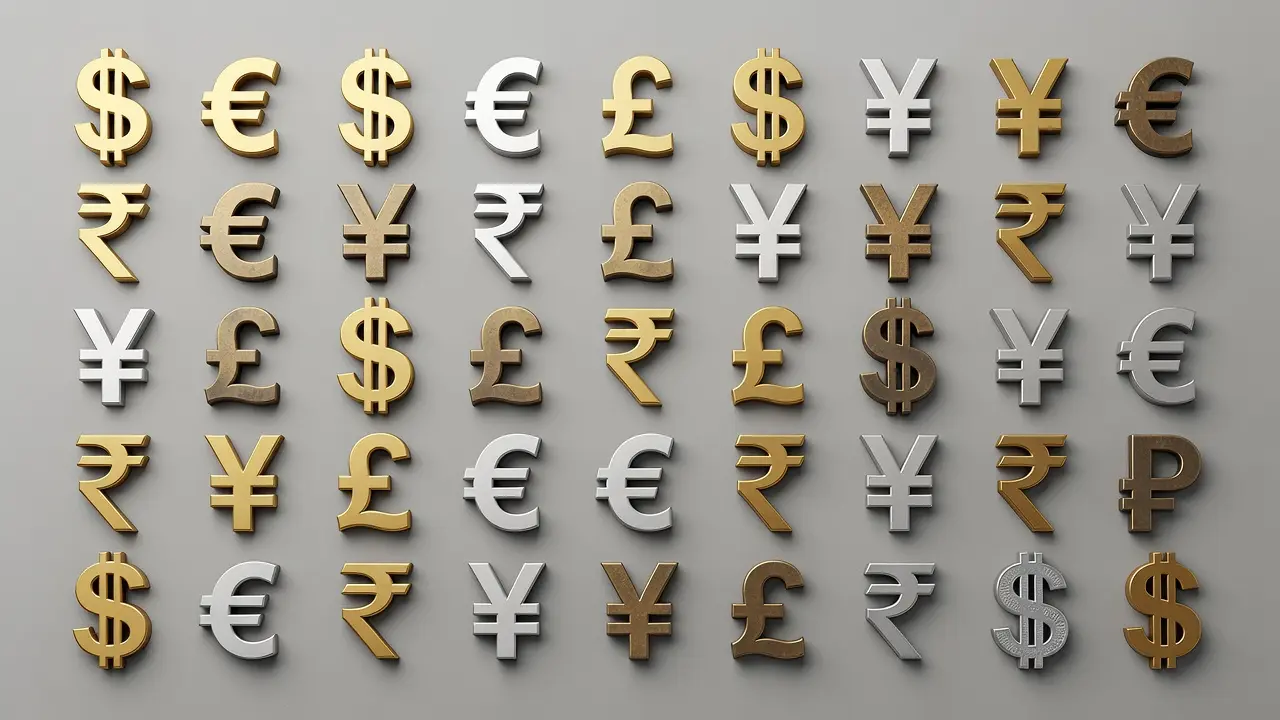
Currency symbols list: what each sign looks like and means
A currency symbol is a graphic sign or short abbreviation written next to a price to show which money it is in. Most money symbols are a letter with one or two lines through it, like $, € or ₹, which marks them as currency rather than text. Select a symbol in the Copy column and paste it anywhere.
| Copy | Currency | ISO code | Unicode |
|---|---|---|---|
| $ | US dollar | USD | U+0024 |
| € | Euro | EUR | U+20AC |
| £ | British pound | GBP | U+00A3 |
| ¥ | Japanese yen | JPY | U+00A5 |
| ¥ or 元 | Chinese yuan (renminbi) | CNY | U+00A5, U+5143 |
| ₩ | South Korean won | KRW | U+20A9 |
| ₫ | Vietnamese dong | VND | U+20AB |
| ₹ | Indian rupee | INR | U+20B9 |
| ₽ | Russian ruble | RUB | U+20BD |
| ₺ | Turkish lira | TRY | U+20BA |
| ₱ | Philippine peso | PHP | U+20B1 |
| ฿ | Thai baht | THB | U+0E3F |
| ₪ | Israeli new shekel | ILS | U+20AA |
| ₦ | Nigerian naira | NGN | U+20A6 |
| ₴ | Ukrainian hryvnia | UAH | U+20B4 |
| ₸ | Kazakhstani tenge | KZT | U+20B8 |
| ₮ | Mongolian tögrög | MNT | U+20AE |
| ₭ | Lao kip | LAK | U+20AD |
| ៛ | Cambodian riel | KHR | U+17DB |
| ৳ | Bangladeshi taka | BDT | U+09F3 |
| ₨ | Pakistani rupee (also Rs) | PKR | U+20A8 |
| ₲ | Paraguayan guaraní | PYG | U+20B2 |
| ₡ | Costa Rican colón | CRC | U+20A1 |
| ₵ | Ghanaian cedi | GHS | U+20B5 |
| ₼ | Azerbaijani manat | AZN | U+20BC |
| ₾ | Georgian lari | GEL | U+20BE |
| ֏ | Armenian dram | AMD | U+058F |
| A$ | Australian dollar | AUD | letters + U+0024 |
| C$ | Canadian dollar | CAD | letters + U+0024 |
| NZ$ | New Zealand dollar | NZD | letters + U+0024 |
| S$ | Singapore dollar | SGD | letters + U+0024 |
| HK$ | Hong Kong dollar | HKD | letters + U+0024 |
| NT$ | New Taiwan dollar | TWD | letters + U+0024 |
| R$ | Brazilian real | BRL | letters + U+0024 |
| Mex$ | Mexican peso (usually $) | MXN | letters + U+0024 |
| R | South African rand | ZAR | letter |
| RM | Malaysian ringgit | MYR | letters |
| Rp | Indonesian rupiah | IDR | letters |
| CHF | Swiss franc (also Fr.) | CHF | letters |
| kr | Swedish krona | SEK | letters |
| kr | Norwegian krone | NOK | letters |
| kr. | Danish krone | DKK | letters |
| zł | Polish złoty | PLN | letters |
| Kč | Czech koruna | CZK | letters |
| Ft | Hungarian forint | HUF | letters |
| د.إ | UAE dirham (Arabic abbreviation) | AED | Arabic letters |
| ¢ | Cent (one hundredth of a dollar and other units) | none | U+00A2 |
Signs for currencies are grouped in Unicode in a block called Currency Symbols, from U+20A0 to U+20CF, which is why so many codes in the table start with 20. Older signs such as $, £ and ¥ sit in the basic Latin and Latin-1 ranges because they were on typewriters and early computers long before Unicode existed.
A few currencies have recently adopted new signs that many fonts do not yet show. The UAE announced a new dirham symbol in March 2025, and Saudi Arabia announced one for the riyal in February 2025. Until fonts catch up, the ISO code or the Arabic abbreviation is the safe way to write them. For the code, sign and country of every currency, see our world currencies list.
Where currency symbols come from
Most currency symbols started as an abbreviation of the currency's name, with lines added to mark them as money. The pound sign £ is a stylised L for libra, the Roman pound weight. The won sign ₩ is a W with two bars, and the dong sign ₫ is a Vietnamese đ with a line underneath.
The dollar sign has the most debated history. The most widely accepted explanation is that it grew out of the abbreviation "ps" for the Spanish peso, written quickly until the s was drawn over the p. It was in use in North America by the late 18th century, before the US dollar became official in 1792.
The yen and yuan share ¥ because both names come from the same Chinese character, 圓 or 元, meaning "round" or "round coin". In Japan the word became en, in China yuan; the Y with two bars came from the Latin spelling. Inside China, prices often use 元 instead.
Several signs were designed deliberately in recent decades:
- €: presented by the European Commission in 1996, based on the Greek epsilon.
- ₹: chosen by India in a public competition and adopted in July 2010, designed by D. Udaya Kumar.
- ₺: adopted by Turkey in 2012.
- ₽: adopted by Russia's central bank in December 2013.
- ₿: the Bitcoin sign, added to Unicode in 2017, although Bitcoin has no ISO code.
How to type currency symbols on Windows, Mac, iPhone and Android
On most keyboards only $ has its own key (Shift+4). Other currency symbols are typed with Alt codes on Windows, Option shortcuts on Mac, a long press on the $ key on phones, or Unicode input. HTML pages can use named entities such as € or numeric ones such as ₩.
| Symbol | Windows (Alt code on number pad) | Mac (US layout) | HTML |
|---|---|---|---|
| $ | Shift+4 | Shift+4 | $ or $ |
| € | Alt+0128 or AltGr+E | Option+Shift+2 | € |
| £ | Alt+0163 | Option+3 | £ |
| ¥ | Alt+0165 | Option+Y | ¥ |
| ¢ | Alt+0162 | Option+4 | ¢ |
| ₩ | Type 20A9, then Alt+X (in Word) | Character Viewer | ₩ |
| ₫ | Type 20AB, then Alt+X (in Word) | Character Viewer | ₫ |
| ₹ | AltGr+4 (Indian layout) or 20B9, Alt+X | Character Viewer | ₹ |
| ₽ | Type 20BD, then Alt+X (in Word) | Character Viewer | ₽ |
The Alt+X trick works in Microsoft Word, WordPad and some other Windows apps: type the Unicode hex code and press Alt+X to turn it into the sign. Anywhere in Windows 10 and 11, the emoji and symbol panel (Windows key + full stop, then the Ω tab) has a currency section. On a Mac, Control+Command+Space opens the Character Viewer; search for the currency name.
On iPhone and Android, switch to the number keyboard and hold the $ key. A row appears with €, £, ¥, ₩ and other signs, depending on the keyboard language. For signs not shown there, such as ₫ on an English keyboard, add a Vietnamese keyboard or copy the sign from the table above.
In spreadsheets, set the cell format to Currency or Accounting and choose the symbol, rather than typing it into the cell, so the number stays a number.
Where to put the currency symbol: before or after the amount
Whether the symbol goes before or after the amount depends on the language, not the currency. English puts it before with no space ($10, £10, €10). French, German, Spanish and Vietnamese put it after, usually with a space (10 €, 10.000 ₫). The same euro price is written €10.50 in Ireland and 10,50 € in France.
| Language or country | Example | Position |
|---|---|---|
| English (US, UK, Ireland, Australia) | $1,250.50 · £1,250.50 · €1,250.50 | Before, no space |
| French, German, Spanish, Italian | 1 250,50 € · 1.250,50 € | After, with space |
| Dutch | € 1.250,50 | Before, with space |
| Vietnamese | 1.250.000 ₫ or 1.250.000 đ | After, with space |
| Japanese | ¥1,250 or 1,250円 | Sign before, character after |
| Korean | ₩1,250 or 1,250원 | Sign before, character after |
| Swedish, Norwegian, Danish | 1 250 kr | After, with space |
| Swiss | CHF 1'250.50 | Code before, with space |
| Polish, Czech | 1 250,50 zł · 1 250 Kč | After, with space |
| Indian English | ₹1,25,000 | Before, no space, lakh grouping |
The decimal and thousands separators change with the language too, and they cause more confusion than the symbol. In English, 1,250.50 means one thousand two hundred fifty and a half. In Vietnamese or German, 1.250,50 means the same. A reader who misses this can be off by a factor of a thousand.
When you write for readers in many countries, a safe choice is the English convention with the ISO code instead of the sign: USD 1,250.50. It works in every language and avoids the question of which dollar is meant.
Currency symbol vs ISO code: when to use which
Use the currency symbol for prices shown to consumers in a single market, such as shop labels, menus and product pages. Use the three-letter ISO 4217 code, such as USD, EUR or VND, in banking, invoices, contracts, spreadsheets and anywhere several currencies appear together, because codes are unique and symbols often are not.
ISO 4217 codes follow a simple pattern. The first two letters are the country's ISO code and the third is usually the first letter of the currency's name: US + D for United States dollar, JP + Y for Japanese yen, VN + D for Vietnamese dong. The euro, which belongs to no single country, uses EU + R.
Codes that start with X belong to no single country. XAU is gold and XAG is silver, each priced per troy ounce; XDR is the IMF's Special Drawing Right; XOF and XAF are the two CFA francs used by 14 countries in West and Central Africa. None of these has a symbol of its own in everyday use, so the code is the only way to write them.
The symbol becomes a problem when it is shared. A price of $100 could be US, Canadian, Australian or Singapore dollars, and the gap between them is large. A worked example with assumed rates: if 1 USD = 1.38 CAD, then $100 means 100 US dollars to an American reader but only about 72 US dollars to a Canadian one. For that reason, international sites and payment systems always show the code, or a prefix like C$ or A$.
Exchange rate quotes always use codes. You will see EUR/USD and USD/VND on a currency page, never €/$ or $/₫. Our currency converter shows both the code and the sign for each currency.
Currencies that share the same symbol
Four signs cause most of the confusion because several currencies use them: $, ¥, £ and kr. In each case, a prefix or the ISO code tells them apart.
- $: used by more than 20 currencies called dollar or peso, including the US, Canadian, Australian, New Zealand, Singapore, Hong Kong and Taiwan dollars and the Mexican, Chilean, Colombian and Argentine pesos. Prefixes such as C$, A$ and S$ remove the doubt.
- ¥: the Japanese yen and the Chinese yuan. Japan writes ¥ or 円; China writes ¥ or 元. Some style guides use JP¥ and CN¥.
- £: the British pound, the Gibraltar, Falkland Islands and Saint Helena pounds, which are fixed to sterling, and in local use the Egyptian pound (E£), Lebanese pound and Syrian pound, which are separate currencies.
- kr: the Swedish, Norwegian, Danish and Icelandic currencies. Danish prices often add a full stop (kr.), and Iceland writes kr after the amount like the others.
Rupee currencies form a smaller group. India uses ₹, while Pakistan, Sri Lanka, Nepal and Mauritius use Rs or ₨, which is why "Rs" alone does not say which rupee is meant.
Why a currency symbol shows as a box or question mark
A currency symbol appears as an empty box, a question mark or a strange character when the font or the text encoding does not support it. The sign itself is stored correctly; the device simply has no picture for it, or reads the bytes in the wrong encoding.
Three causes cover almost every case:
- The font lacks the sign. Newer symbols such as ₾ (2014), ₼ (2013) or ₿ (2017) are missing from many older fonts. Switching to a recent system font or a broad font family such as Noto Sans usually fixes it.
- The page or file is not saved as UTF-8. A € typed in a file saved in an older encoding, then opened as UTF-8, turns into characters like "€". Saving every web page, CSV file and database table as UTF-8 prevents this.
- The software strips non-ASCII characters. Some older payment terminals, SMS gateways and bank statement formats accept only basic Latin letters, so they print EUR or GBP instead of the sign. In those systems the ISO code is the only safe option.
For websites, HTML entities such as € or numeric references such as ₫ are a fallback, but a page served as UTF-8 can include the signs directly. Testing a page on an old Android phone and a Windows laptop catches most font problems before readers see them.
Common mistakes when writing money amounts
The most frequent mistakes are using the wrong separator for the reader's language, mixing a symbol and a code in the same amount, and leaving a shared sign like $ without saying which currency it is. Each one can change how much a reader thinks they will pay.
Writing both the sign and the code
"$100 USD" repeats the same information. Write either $100 for a US audience or USD 100 for an international one. When the sign is shared and the audience is mixed, US$100 is clearer than both.
Putting the sign on the wrong side
English readers expect £20; French readers expect 20 €. A price written in the other style is still understood, but it looks foreign to local readers.
Using the cent sign in prices
The ¢ sign appears on US price tags for amounts under a dollar (99¢). Writing $0.99¢ mixes the two and is wrong; use either $0.99 or 99¢.
Using a plain letter instead of the sign
In Vietnam, many shops write prices with a plain đ (50.000đ) or with VNĐ, which is not an official code. The ISO code is VND and the sign is ₫. All three are understood locally, but documents for foreign readers should use VND or ₫.
A worked example with an assumed rate shows why the details matter. If an invoice says $1,250 to a client in Canada without saying US dollars, and 1 USD = 1.38 CAD, the client may pay 1,250 Canadian dollars instead of 1,725, about 475 Canadian dollars less than intended.
Guides in this topic
Each of the main currency signs has its own guide with its history, keyboard shortcuts and usage rules:
- euro symbol €, designed for the European Commission in 1996
- Pound Sign £: Meaning, Keyboard Shortcuts and GBP Code
- Dollar Sign $: History and Which Currencies Use It
- chinese yuan symbol ¥ and 元 compared with the Japanese yen
- korean won symbol ₩
- vietnamese dong symbol ₫
- Indian Rupee Symbol ₹: Meaning and How to Type It
- euro sign keyboard shortcuts and other ways to type currency symbols on any device